How to check what ChatGPT says about your business (and what to do if it names your competitors)
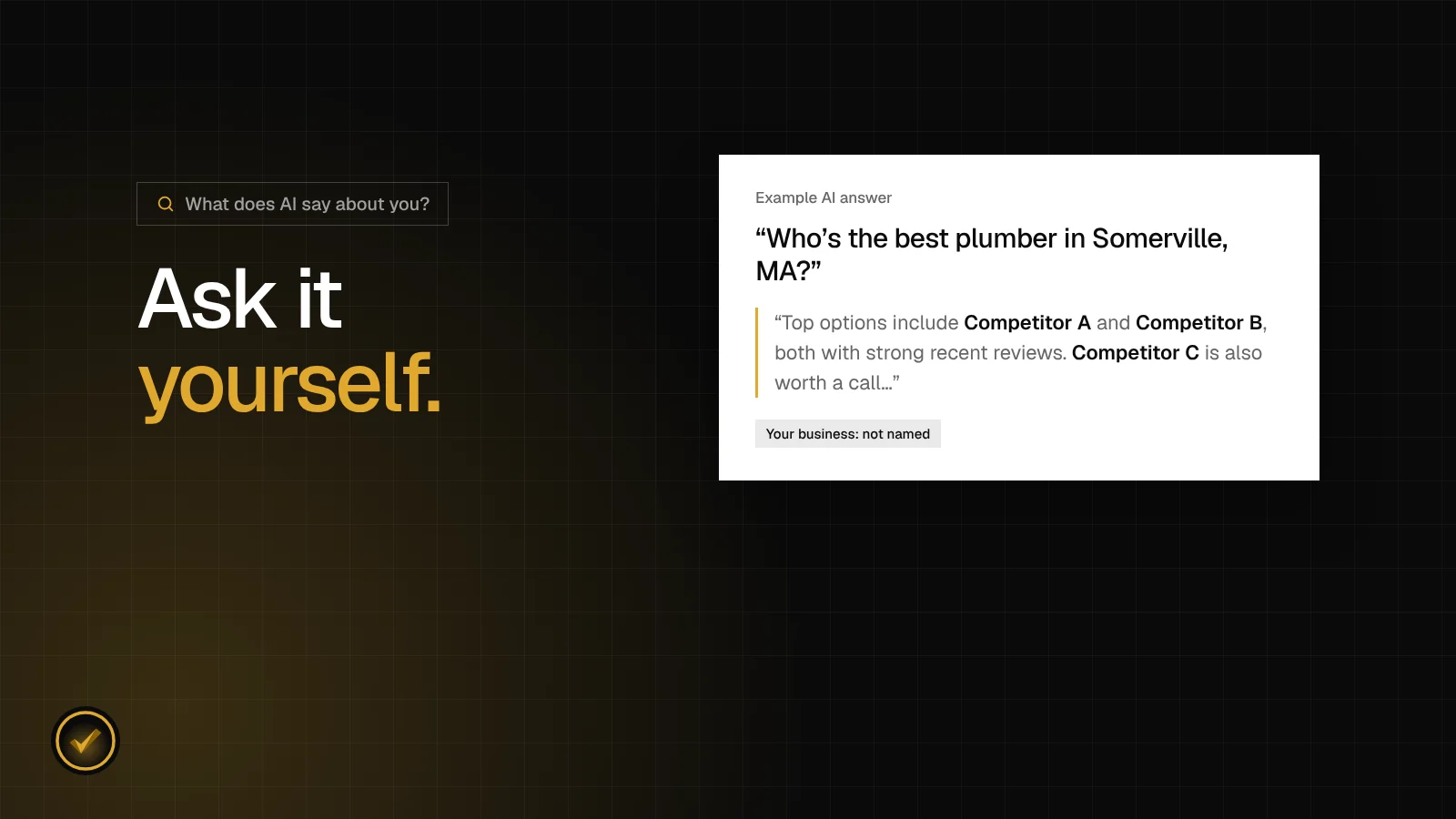
Most owners we talk to have never asked an AI assistant about their own business. It's free, it takes about fifteen minutes, and what comes back is often a surprise. Here's how to do it properly, how to read the answers, and what to fix if the names you see aren't yours.
The whole thing is four steps. The trick is doing them the way a customer would, not the way an owner would.
Step 1: Ask what customers actually ask
Don't start with "What do you know about my company?" That tells you whether the assistant has heard of you, which is something, but it isn't what your customers ask. They don't know your name yet. They ask for a recommendation.
So pick two questions:
- A "best" question. "Who's the best roofer in Andover, MA?" or "Who are the best HVAC companies in Billerica?"
- An urgent question. The kind people type when something's gone wrong: "My AC stopped working, who can come out today in Somerville?", "I have a burst pipe in Derry, NH, who should I call?" or "My car is making a grinding noise when I brake, where should I take it in Billerica?"
Use your real trade and your real town, worded the way a customer would say it out loud. If a lot of your work comes from the next town over, ask about that town too.
The urgent question matters because that's when people want one name, fast, and don't want to compare ten websites. If you take emergency calls, that's the answer you most need to see.
Step 2: Start a fresh chat
AI assistants can remember things. If you've been chatting with ChatGPT about your business, or your account has a memory or personalization setting turned on, the answer can lean toward what it already knows about you. Your customers don't have that history with it.
So open a brand-new chat for each question. If you can, use a private browser window where you're not signed in, or turn memory off for the test. And don't put your business name in the question. You want to see what a stranger sees.
One more thing: write down the first answer before you ask any follow-up. If you reply "What about my company?", the assistant will happily talk about you, but that's not what a customer sees. The first answer is the one that counts.
Step 3: Ask all three assistants
Your customers don't all use the same assistant. Some ask ChatGPT, some ask Gemini on their phone, some use Claude, and plenty just see Google's AI answer at the top of an ordinary search.
The assistants don't agree with each other, either. The same question can get a different set of names from each one, because each picks from what it can find about local businesses in its own way. That's normal, and it's useful: when one names you and another doesn't, the gap usually points to something that's missing.
Ask the same two questions, word for word, in ChatGPT, Claude and Gemini. That's six answers.
Step 4: Write down the exact answer
This is the step everyone skips, and it's the most important one. AI answers change. If you don't write down what it said and when, you'll have nothing to compare against next month, and you won't be able to tell whether anything you did made a difference.
For each answer, note:
- The date
- Which assistant you asked
- The exact question, word for word
- The full answer (copy and paste it, or take a screenshot)
- Every business it named, in order
- Whether you were named
A simple spreadsheet or a note on your phone is plenty. It might look something like this:
| Date | Assistant | Question | Who was named | You? |
|---|---|---|---|---|
| Oct 18, 2026 | ChatGPT | Best plumber in Somerville, MA | Competitor A, Competitor B, Competitor C | Not named |
| Oct 18, 2026 | Claude | Burst pipe, who can come today? | Competitor B, Competitor D | Not named |
| Oct 18, 2026 | Gemini | Best plumber in Somerville, MA | Competitor A, Your Business | Named 2nd |
How to read what you get
Once you've got your six answers, look for three things.
Were you named at all?
If you weren't named in any of the six, you're in the same spot as most local businesses we've looked at. When we asked AI who to hire 446 times for 147 local businesses, 145 of them never came up once. That isn't fun to see, but it's normal, and it's fixable.
Who got named instead?
Write down every business that came up. Are they local shops like you, or national brands and franchises? In our study, the answers went mostly to big names like CertaPro Painters, Colonial Pest Control, Orkin and Terminix. If a local competitor keeps showing up, look them up: their Google profile, their reviews, their listings, their website. You'll often spot exactly what they have that you don't.
Did the assistants agree, and did they get you right?
If one assistant names you and the others don't, you're close. If none do, start with the basics below. And if an answer mentions you but gets something wrong, like an old phone number, the wrong town or a service you don't offer, that usually traces back to an out-of-date listing somewhere. Find it and fix it.
Sometimes an assistant won't name anyone and will tell you to check Google reviews instead. Write that down too. Nobody's in that answer yet, so there's room.
If AI names your competitors: five fixes
When we looked at the websites and listings of the businesses in our study, the same gaps kept showing up. These are the five things we'd fix first.
- Get your Google Business Profile in shape. Claim it if you haven't, pick the most specific category ("Electrician", not "Contractor"), list every service, set the towns you cover and your hours, and add a few real photos from recent jobs.
- Make your details match everywhere. Look yourself up on Google, Yelp, Facebook, BBB and Nextdoor. Same business name, same phone number, same address on every one. In our study, 105 of the 114 businesses we could check had a mismatch somewhere.
- Ask every customer for a review. After each job, text them your Google review link. Ask everyone, not just the ones you know were happy, and don't offer anything for it. A few new reviews every month beats a big pile once.
- Say what you do and where. The title of your homepage should read something like "Licensed Electrician in Billerica, MA", not just your company name. 90 of 121 sites we checked didn't do this.
- Answer the questions people actually ask you. Add a short FAQ to your site: roughly what common jobs cost, how quickly you can come out, which towns you serve, whether you're licensed and insured. 103 of 127 businesses we checked had nothing like it. Short, honest answers are exactly what AI likes to quote.
If you have a website and someone who can edit it, one more: ask them to add LocalBusiness schema, a small block of code that spells out your name, phone, hours and service area. 58 of the 60 sites we could check were missing it.
Most of this is your Google profile, your listings and your reviews, and you can start on it yourself. If your website is holding you back, we build new ones.
When to check again
Once a month. Same questions, same three assistants, fresh chats, written down with the date. AI answers change from day to day, so a single check is just a snapshot. It's the pattern over a few months that tells you what's working.
Give it time, too. Profile and listing fixes usually show up within a few weeks. AI answers are slower to catch up, usually several weeks to a couple of months. If you're named one month and missing the next, don't panic. Look at the whole run of answers, not one bad day.
And if you'd rather not do all this by hand, our free AI visibility check does steps 1 to 4 for you. Tell us your business, town and trade, and we ask ChatGPT, Claude and Gemini a "best" question and an urgent question, the way your customers would. You get your score in about a minute on a private results page, with every answer quoted and dated, and how many competitors each assistant named.